
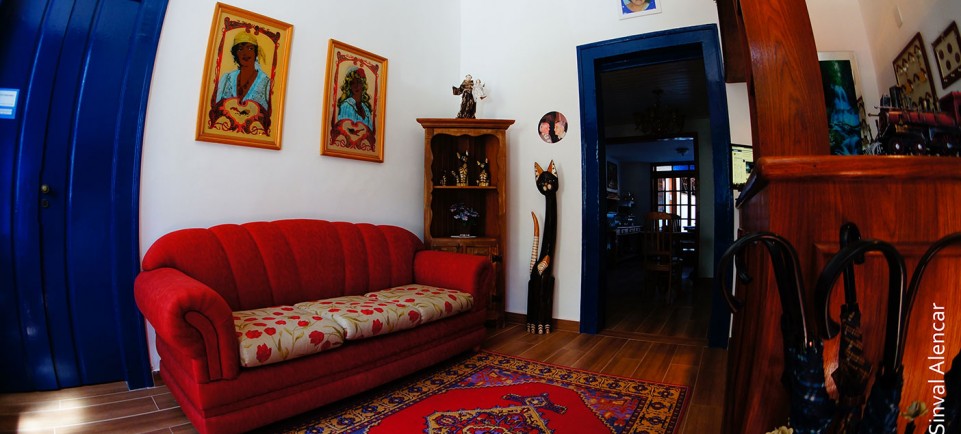
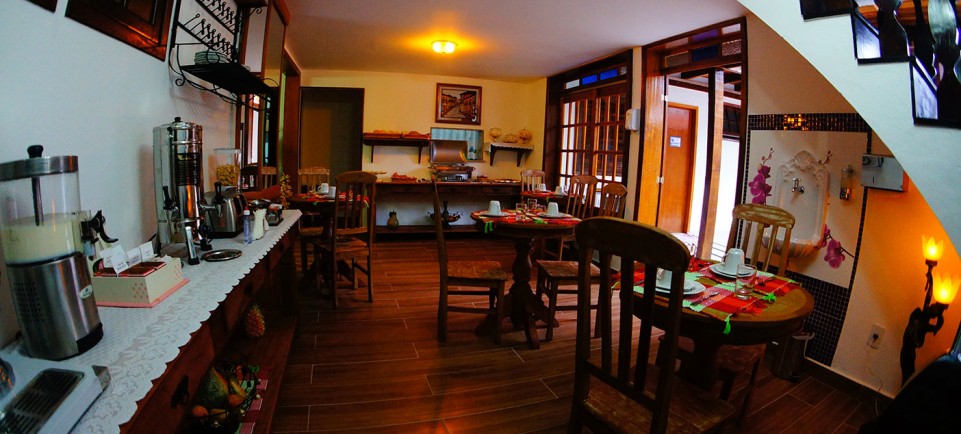
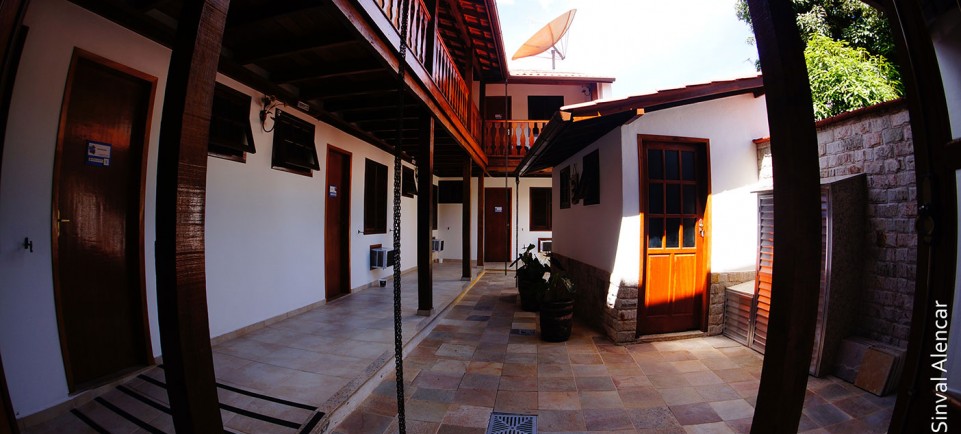
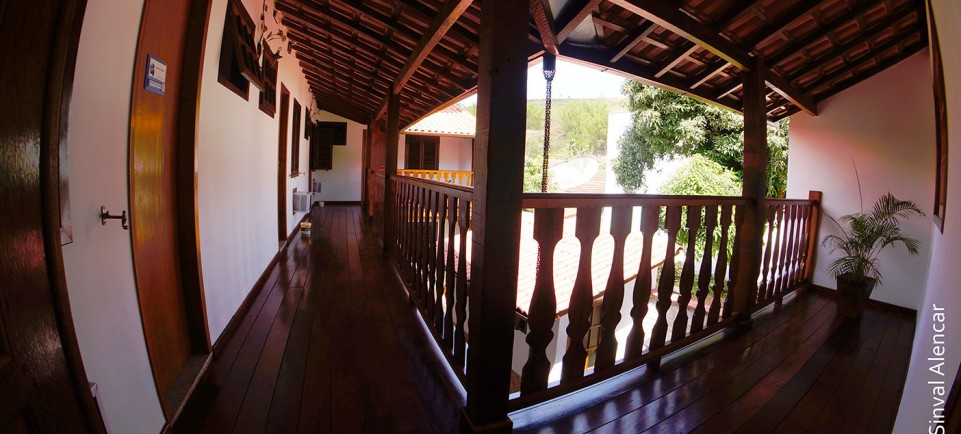
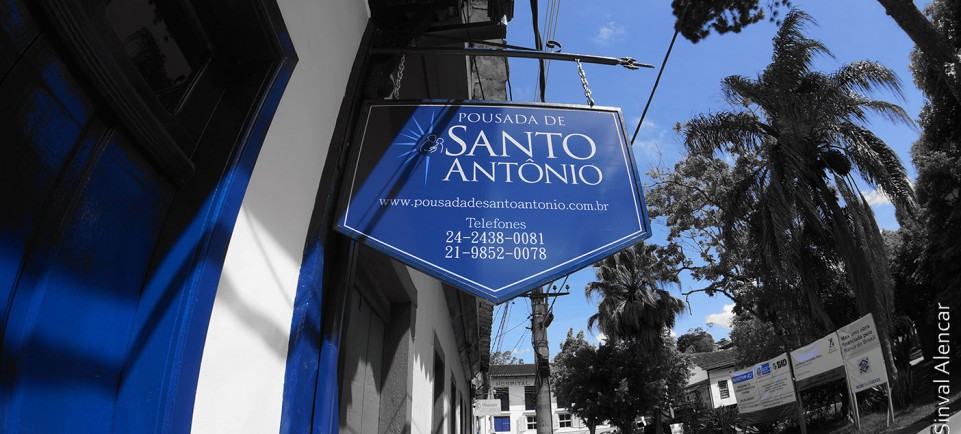

Instalações
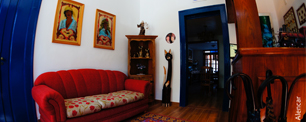
Café da Manhã

Eventos

 CANTE EMOCIONE-SE!
 RELAXE DESCANSE!
 PASSEIE DIVIRTA-SE!

Quick Icons
The Quick Icon plugin group is used to provide notification that updates to Joomla! or installed extensions are available and should be applied. These notifications display on your administrator control panel, which is the page you see when you first log in to your site administrator.
Default on:
Authentication
The authentication plugins operate when users login to your site or administrator. The Joomla! authentication plugin is in operation by default but you can enable Gmail or LDAP or install a plugin for a different system. An example is included that may be used to create a new authentication plugin.
Default on:
- Joomla Help
Default off:
Editors-xtd
These plugins are the buttons found beneath your editor. They only run when an editor plugin runs.
Default on:
- Editor Button: Image Help
- Editor Button: Readmore Help
- Editor Button: Page Break Help
- Editor Button: Article Help
Default off:
- None
Editors
Editors are used thoughout Joomla! where content is created. TinyMCE is the default choice in most locations although CodeMirror is used in the template manager. No Editor provides a text box for html content.
Default on:
Default off:
- None
Search
The search component uses plugins to control which parts of your Joomla! site are searched. You may choose to turn off some areas to improve performance or for other reasons. Many third party Joomla! extensions have search plugins that extend where search takes place.
Default On:


 Quarto Solteiro
 Quarto Duplo Casal
 Quarto Duplo Solteiro
 Quarto Triplo Casal
 Quarto Triplo Solteiro

 Faça um Tur Virtual na Pousada de Santo Antônio

LOCALIZAÇÃO
Estamos localizados no centro de Conservatória, em frente à Praça da Igreja Matriz.